
Description
💸 Split Expenses the Simple Way
Tired of messy calculations, group chats, or apps that require sign-ups?
This Excel-based Expense Splitter lets you:
✔ Track shared expenses
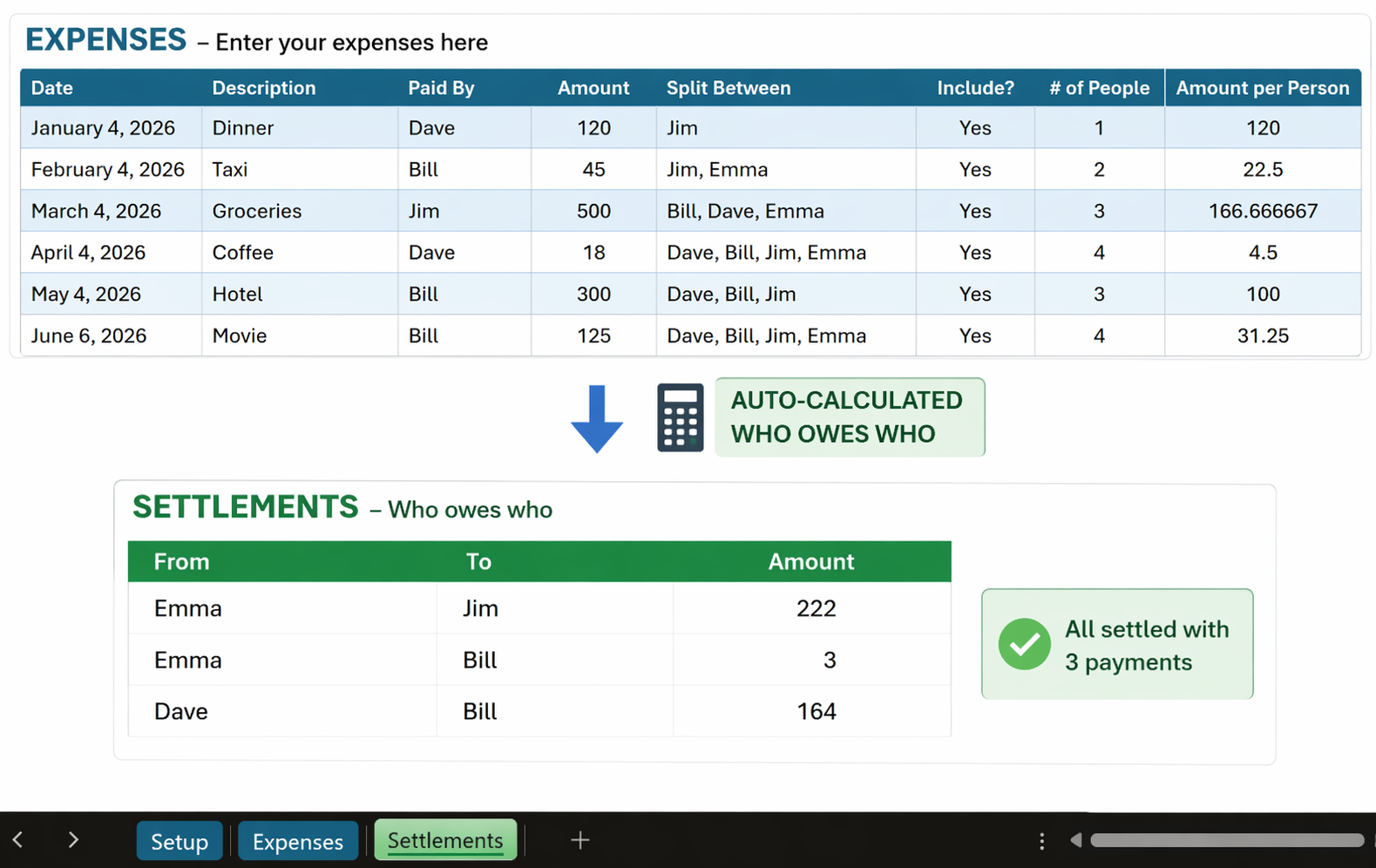
✔ Automatically calculate who owes who
✔ Settle everything in seconds
All inside a clean, easy-to-use file.
⚡ Key Features
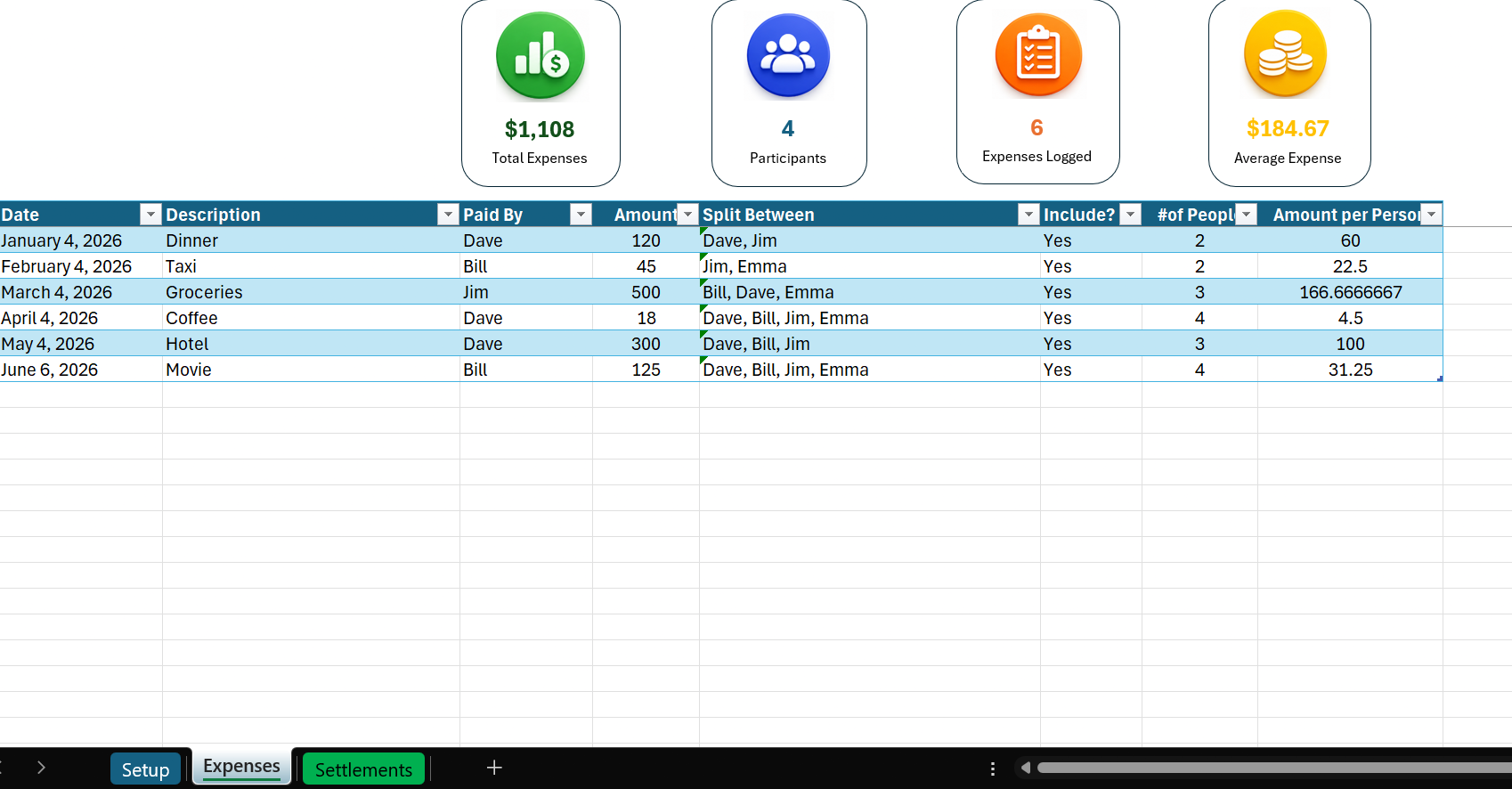
🧠 Smart Expense Tracking
- Add expenses in seconds
- Choose who paid
- Select who participated (multi-select supported)
🔄 Automatic Split Calculation
- Instantly calculates cost per person
- Supports real-life group scenarios
- No manual formulas needed
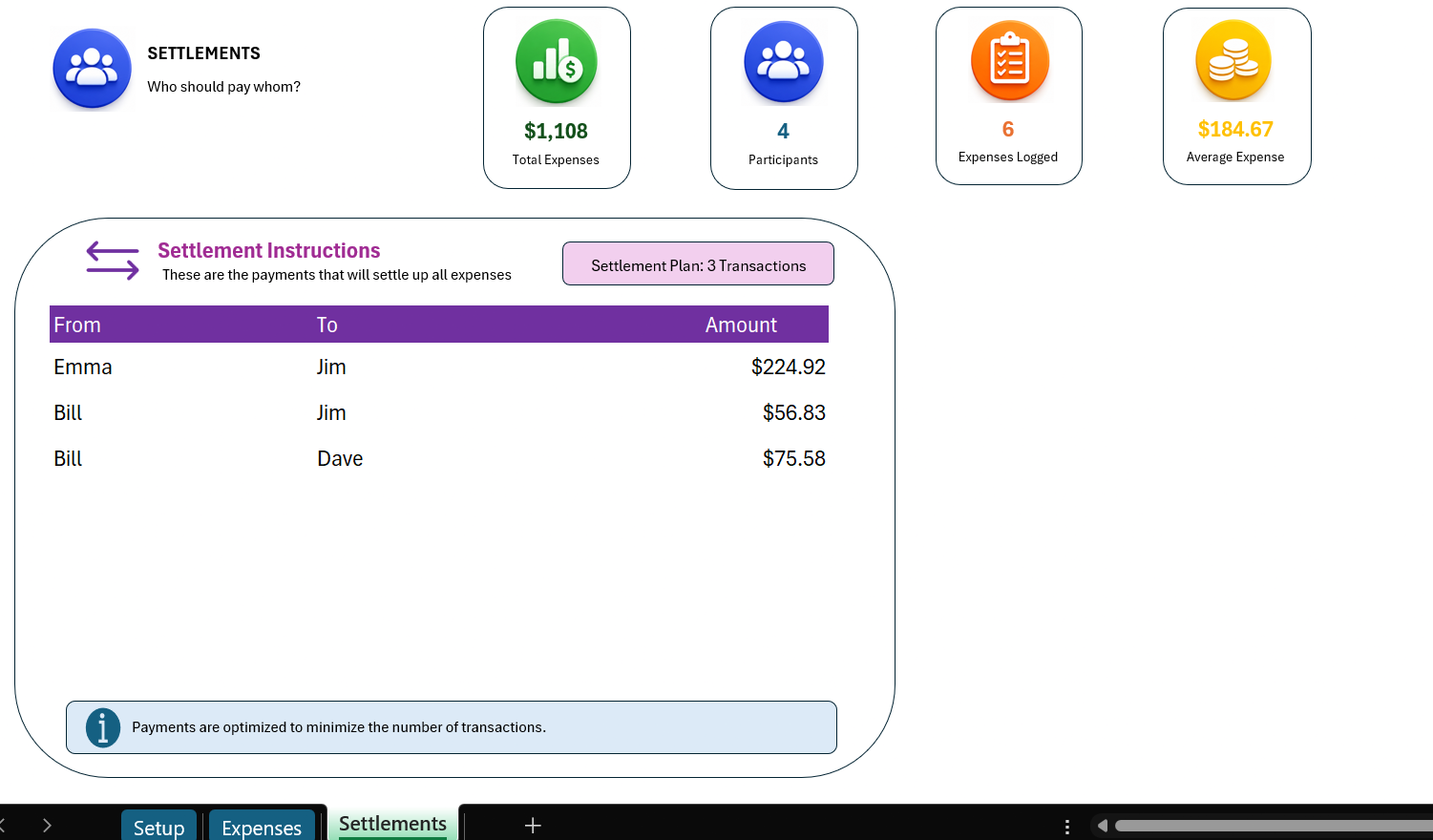
💰 “Who Owes Who” Engine
- Automatically generates the minimal number of payments
- No confusion, no duplicate transfers
- One-click settlement summary
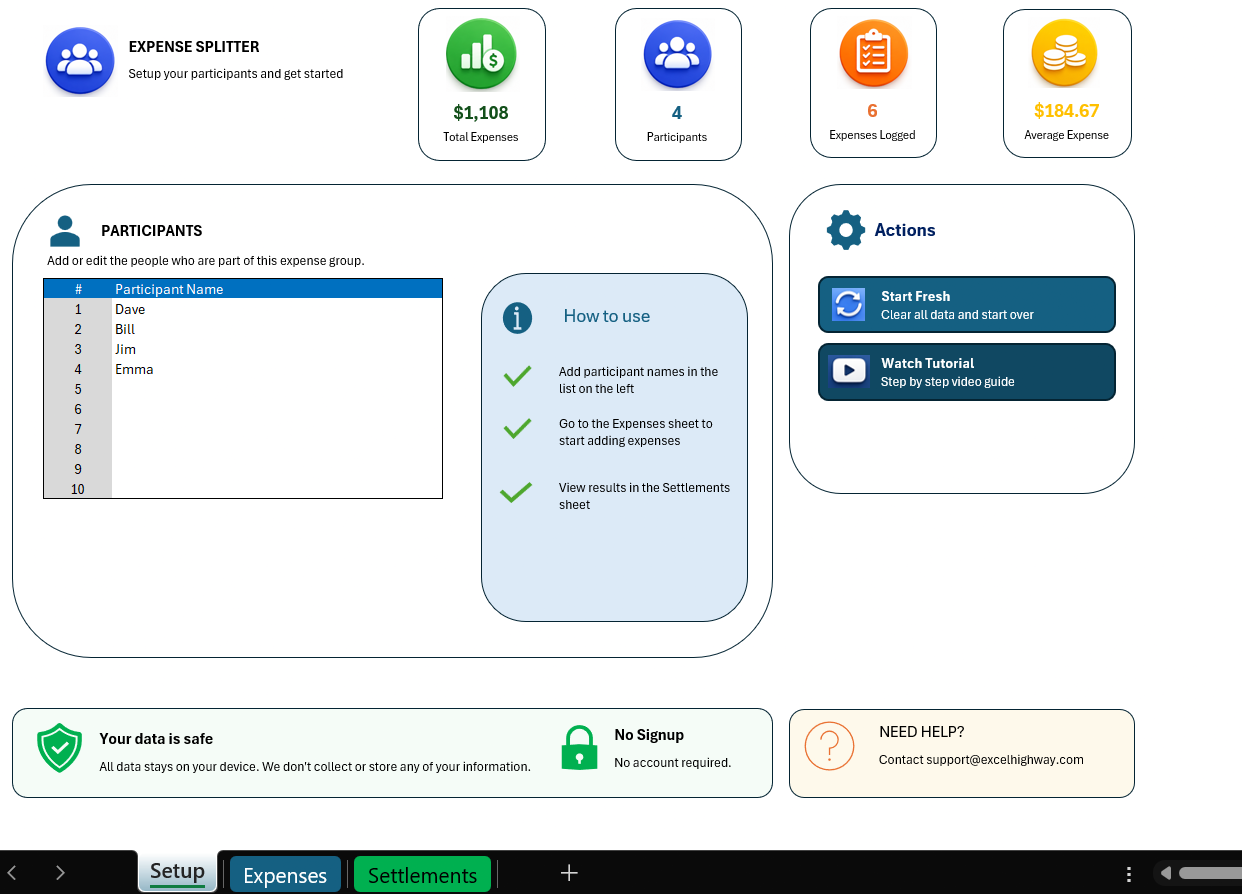
👥 Flexible Group Management
- Add participants easily
- Works for trips, roommates, events, and more
🧩 Clean, App-Like Experience
- Built with smart logic and automation
- No clutter, no unnecessary complexity
🚀 Why Use This Instead of Apps?
✔ No account required
✔ No ads
✔ Full control over your data
✔ Works offline
✔ Fully customizable
🆓 Free vs Paid Version
🟢 Free (Lite Version)
- Up to 4 participants
- Basic expense tracking
- Simple balance overview
🔵 Paid Version (This Product)
- Unlimited participants
- Full “Who Owes Who” settlement engine
- Advanced calculation logic
- No limitations
📥 What You Get
- Excel file (.xlsm)
- Ready-to-use system
- Instant download after purchase
⚙️ Requirements
- Microsoft Excel (Office 365 or newer recommended)
- VBA (macros) must be enabled
- Compatible with Windows and Mac
🎯 Perfect For
- Trips with friends
- Roommates
- Shared expenses
- Group events
- Anyone tired of messy calculations
💡 Example Use Case
You go on a trip with 5 friends.
Instead of:
❌ Tracking manually
❌ Arguing who owes what
You:
✔ Enter expenses
✔ Click once
✔ Get exact payments
Done.
🔒 Your Data Stays Yours
Everything runs locally in Excel.
No cloud. No tracking. No accounts.
⭐ Bonus
Designed to be:
- Fast
- Reliable
- Easy to use
Even if you’re not an Excel expert.
Reviews
There are no reviews yet.