
Description
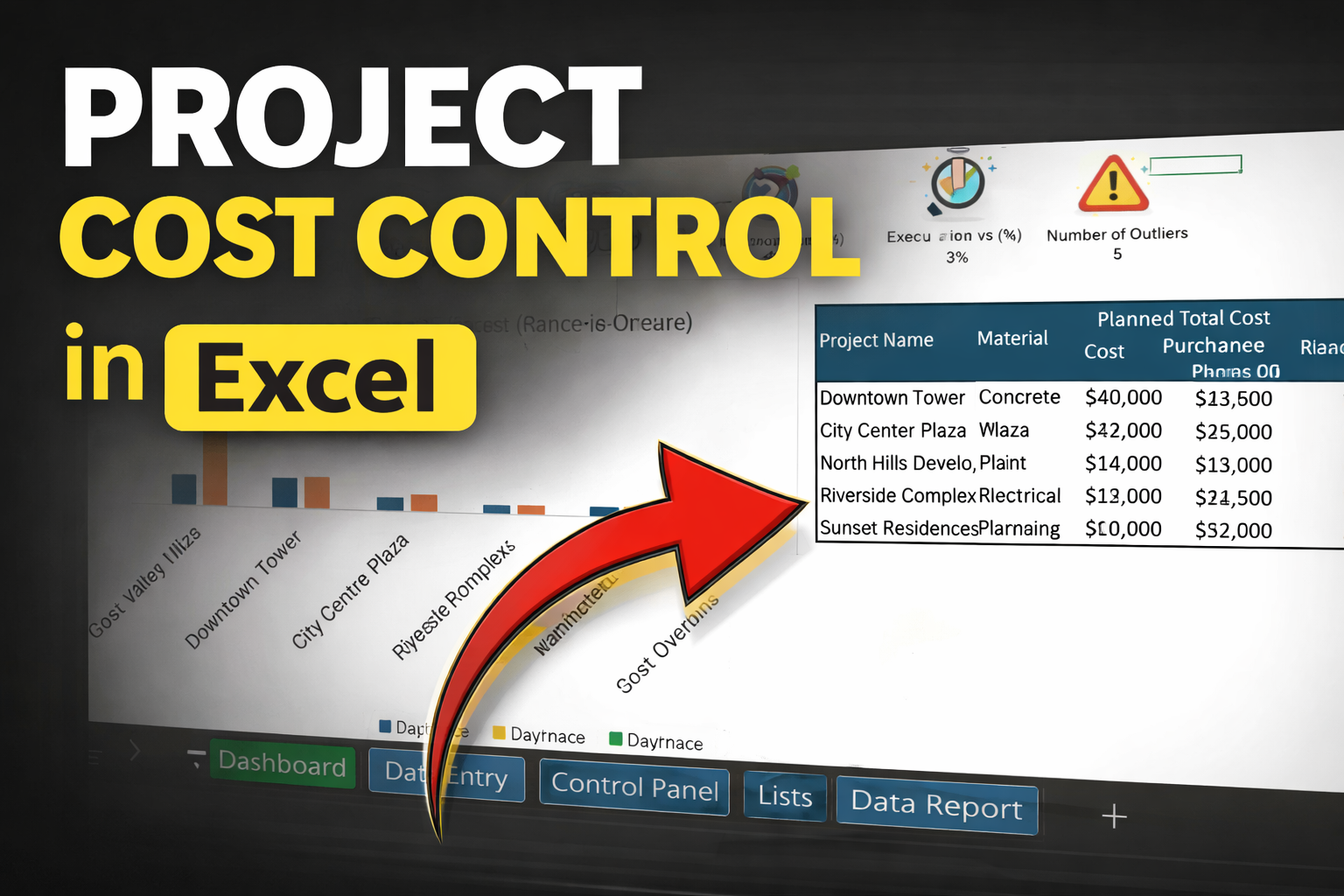
Take Full Control of Your Project Costs — In Excel
Track Planning, Purchasing, and Execution in one powerful, easy-to-use system.
Are you managing projects with:
- Multiple Excel files?
- No clear cost visibility?
- Constant budget overruns?
By the time you realize something is wrong… it’s already too late.
This Project Cost Control Excel Template gives you a complete system to:
✔ Track planned vs purchased vs executed quantities
✔ Identify cost overruns instantly
✔ Monitor purchase vs plan and execution vs plan
✔ Analyze cost variance (value + %)
✔ Get clear dashboards and insights
All in one structured, easy-to-use file.
What You Get
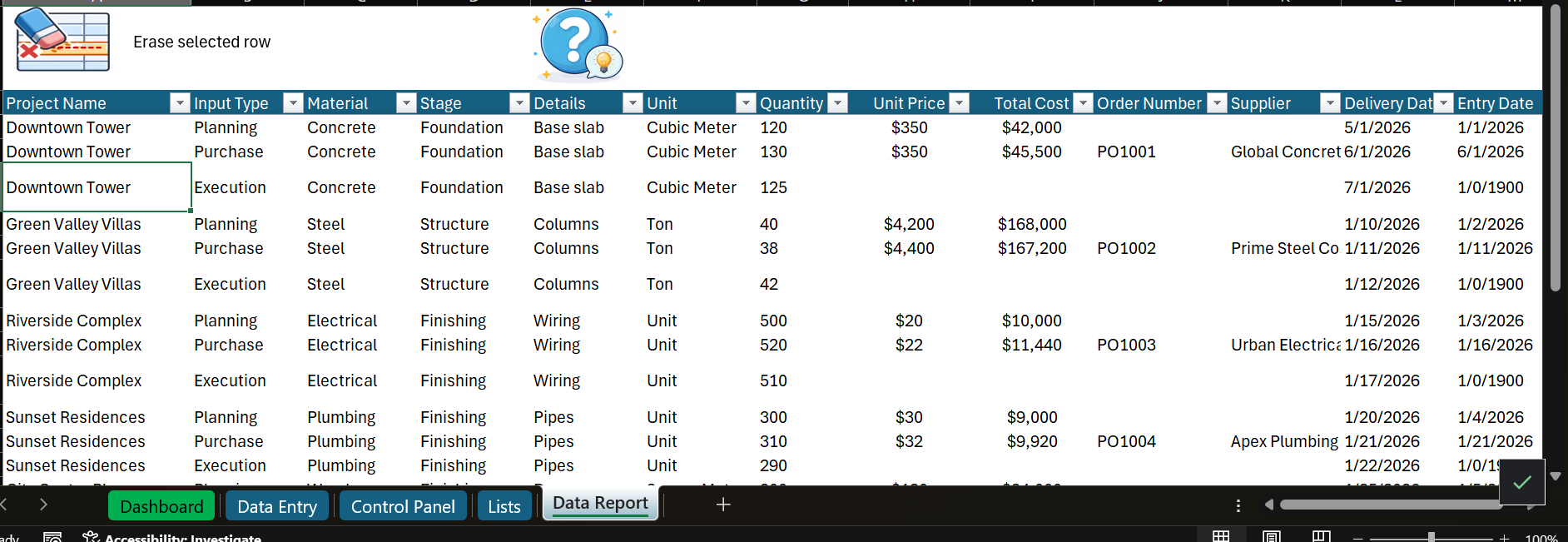
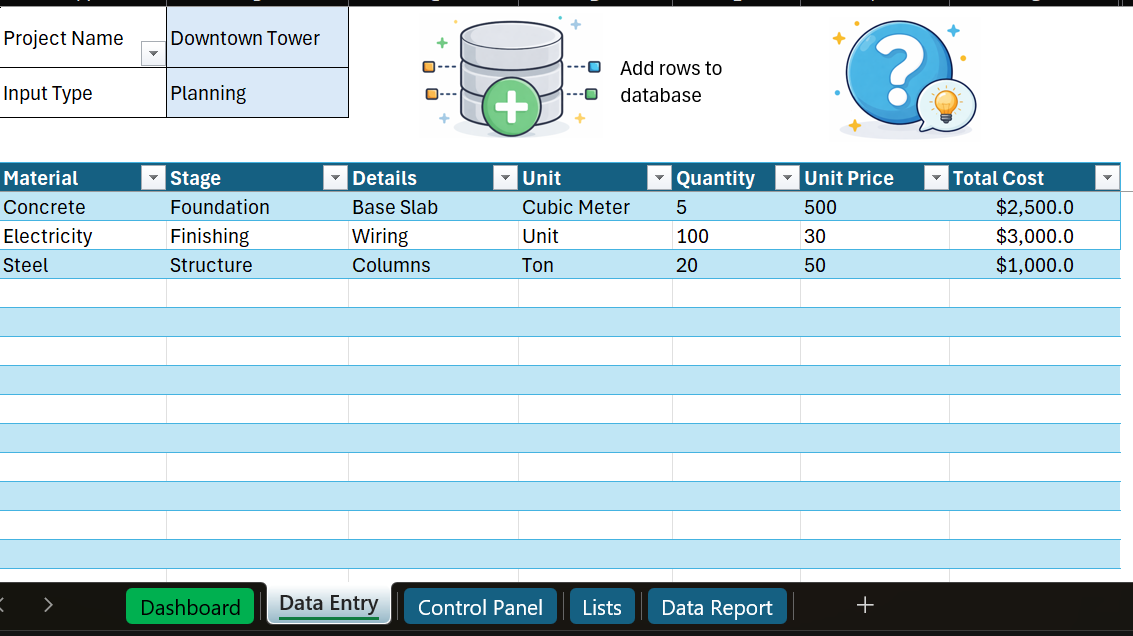
Data Entry System
- Simple input for all project data
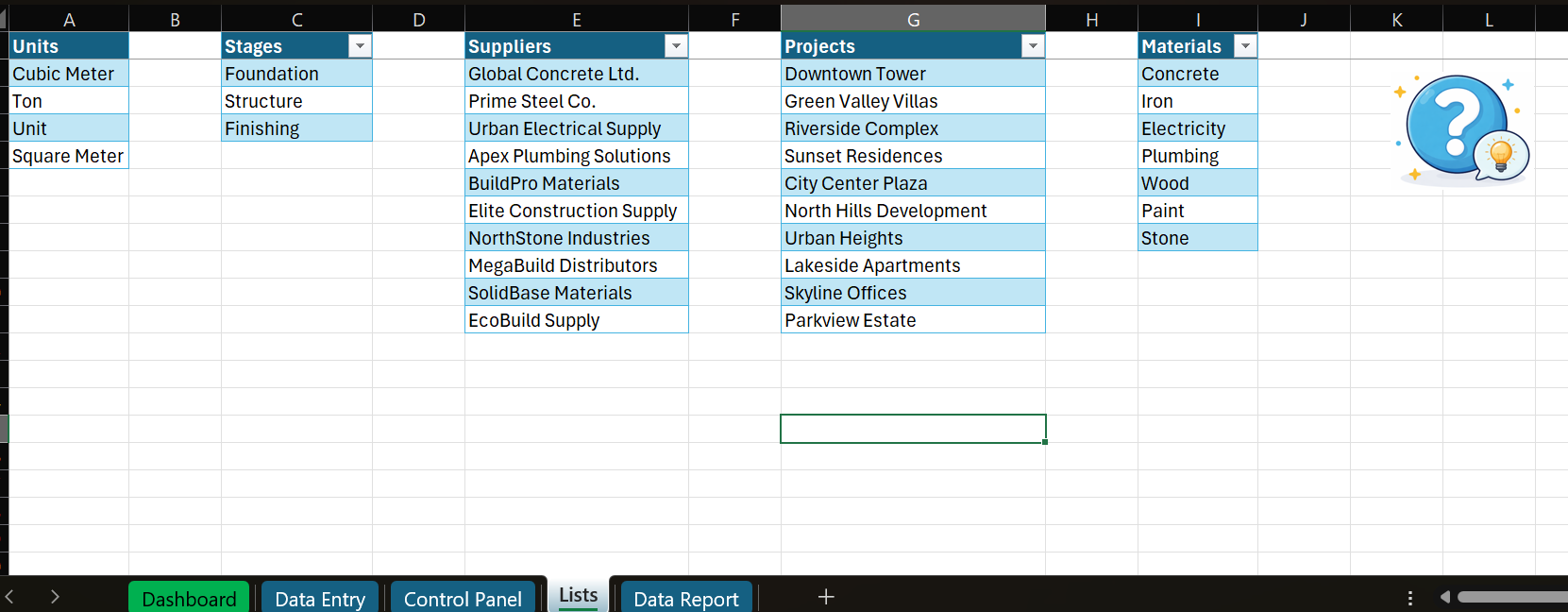
- Track materials, stages, suppliers, and costs
- Built for real-world workflows
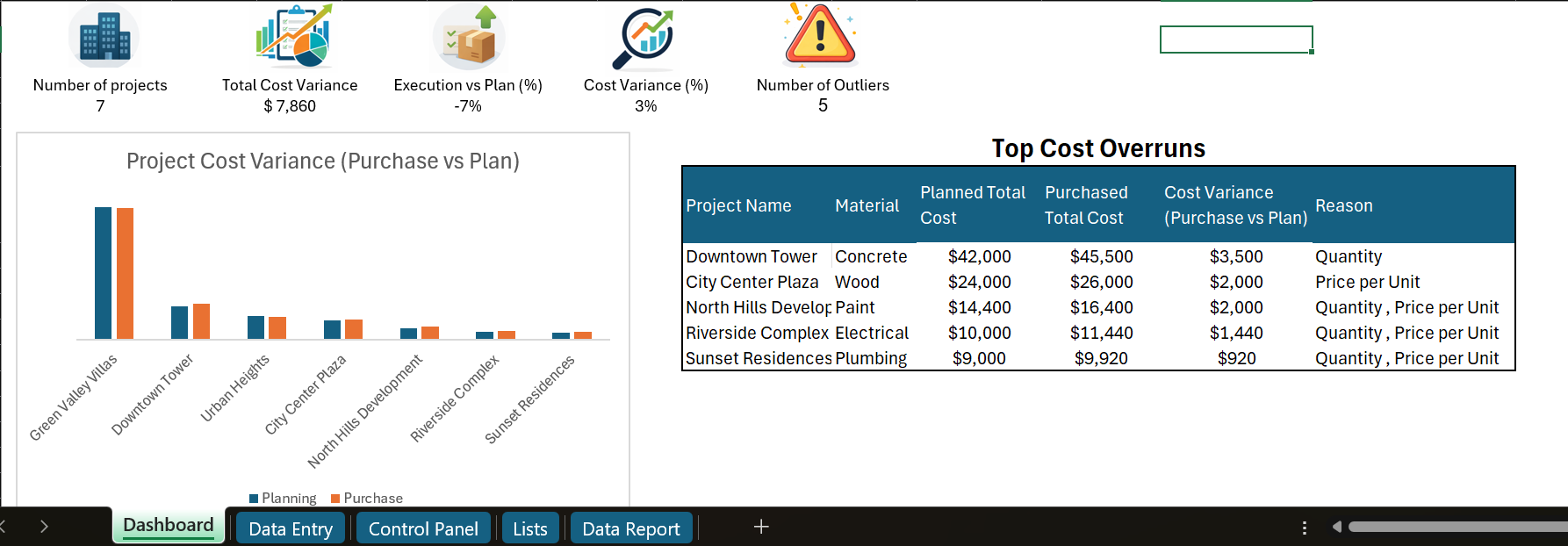
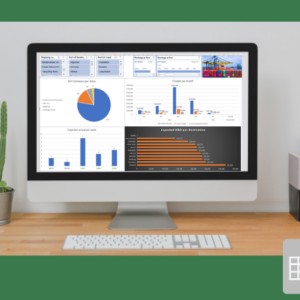
Smart Dashboard
- Total cost variance
- Execution vs plan
- Number of projects
- Outlier detection
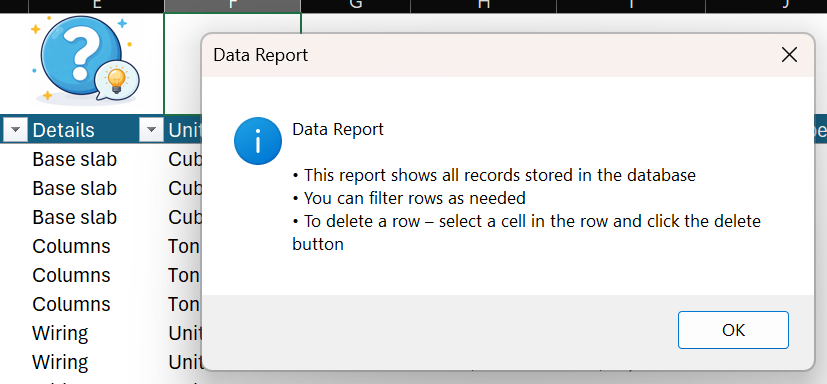
Data Report & Analysis
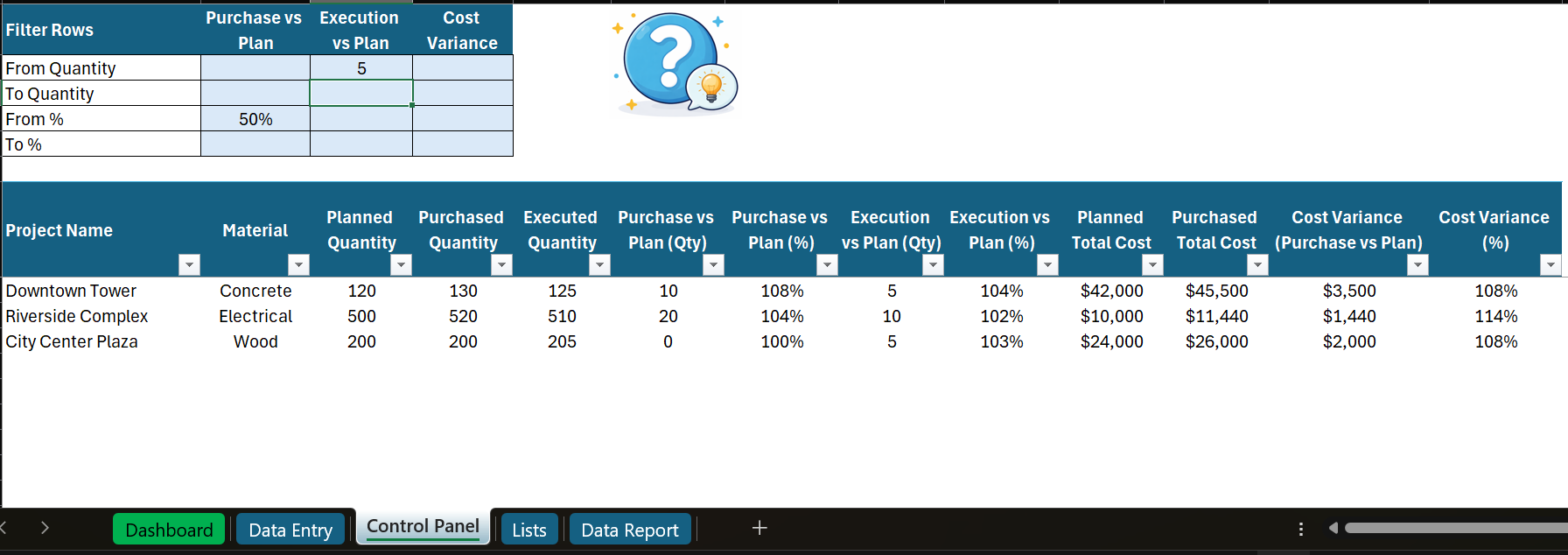
- Plan vs Purchase vs Execution comparison
- Cost variance breakdown
- Filter by quantities and percentages
- Identify problem areas instantly
Requirements
- Microsoft Excel (Office 365)
- Macros (VBA) must be enabled
Who Is This For?
- Construction project managers
- Operations & production teams
- Engineers & planners
- Small business owners managing projects
Why This Template?
- No complex software
- No subscriptions
- Fully customizable
- Works immediately after download
Built from real-world project experience — not theory.
Example Insights You’ll Get
- Which materials are over budget
- Where execution differs from planning
- Which suppliers increase your costs
- Which projects need immediate attention
Pricing
One-time purchase — lifetime use
No monthly fees
No hidden costs
What Happens After Purchase
- Instant download
- Ready-to-use Excel file
- Works on Windows (Excel with VBA support required)
- May not work fully on Macs
Reviews
There are no reviews yet.