
Description
Take control of your inventory — without complicated systems.
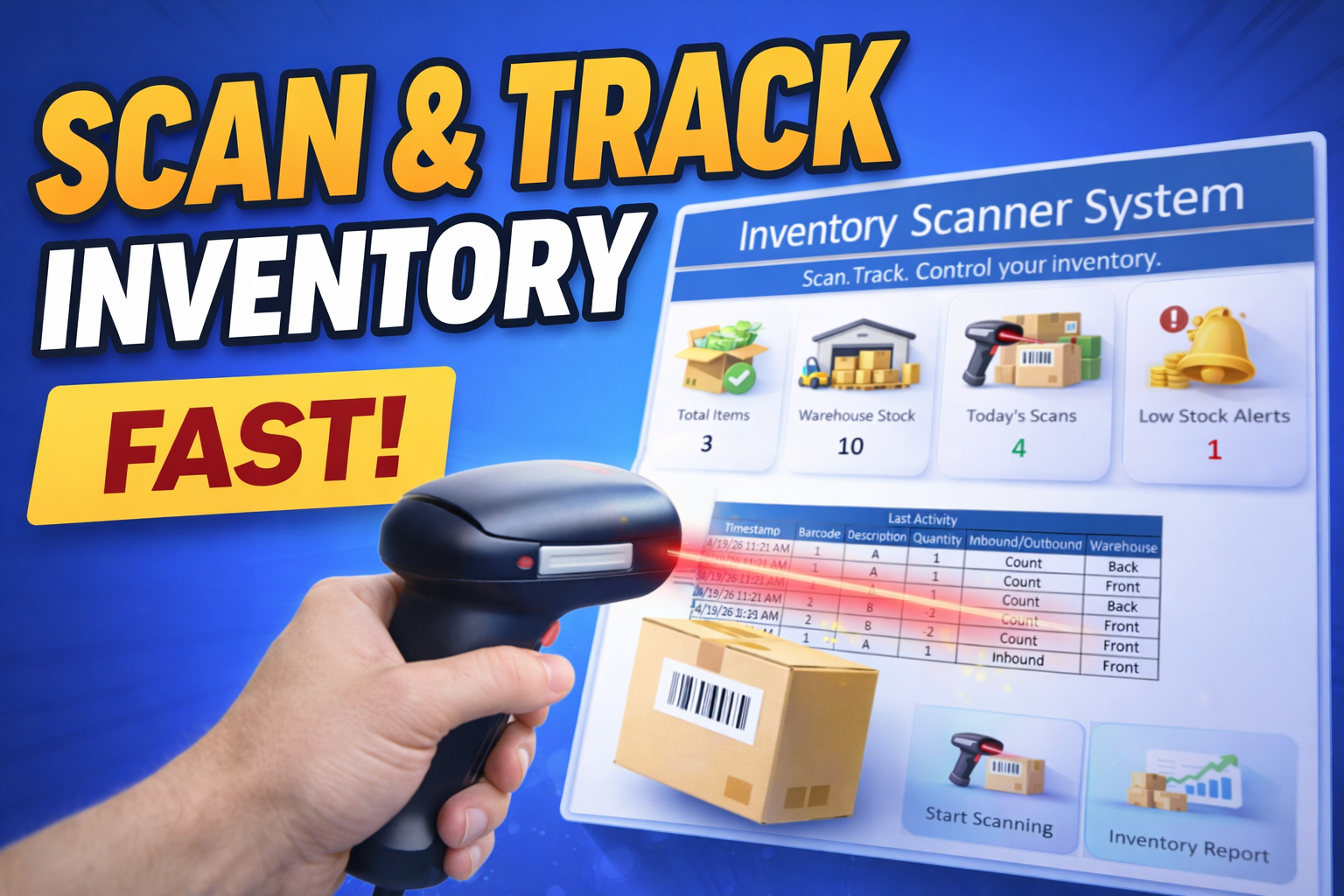
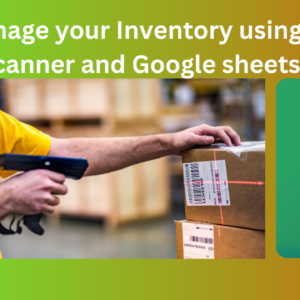
This Excel-based Scan Inventory System lets you track stock in real time using barcode scanning or manual input, all inside a simple and fast workflow.
No ERP. No training. Just scan and go.
🎯 What This System Does
Stop guessing your inventory.
This tool helps you:
- Scan items directly into a transaction log
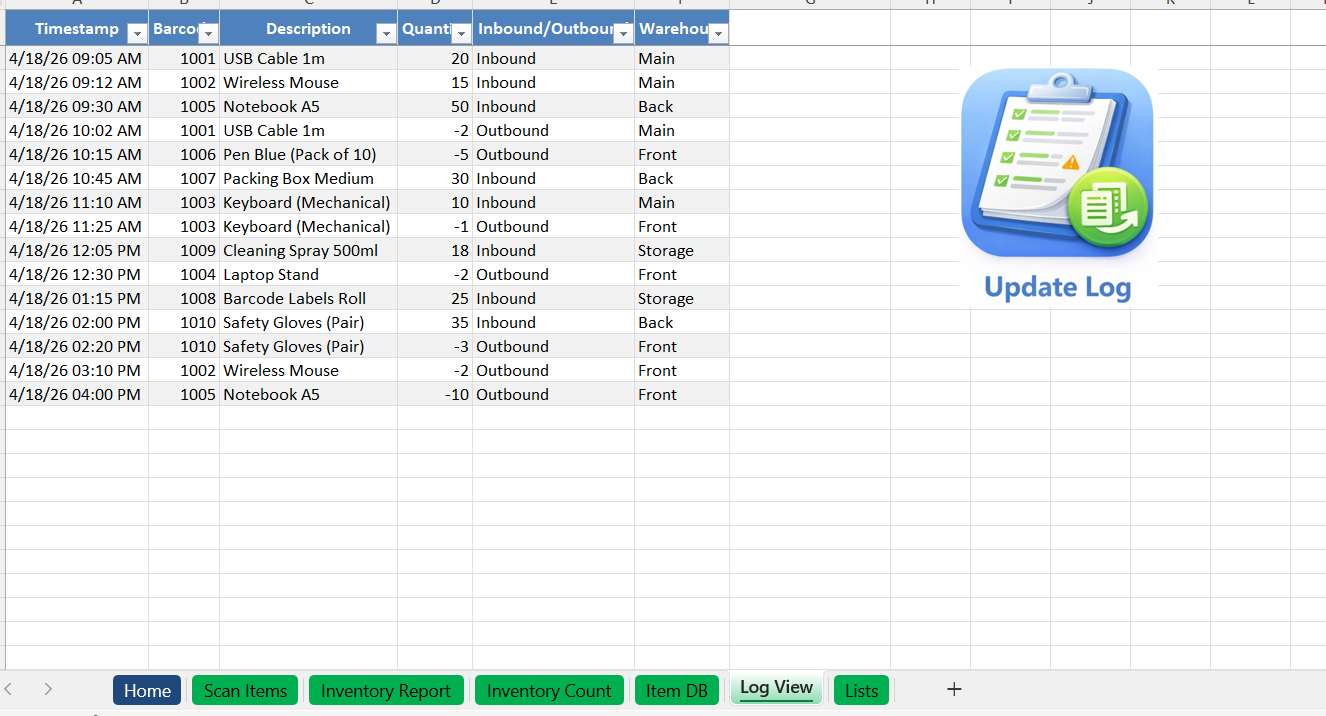
- Automatically record stock movements (IN / OUT)
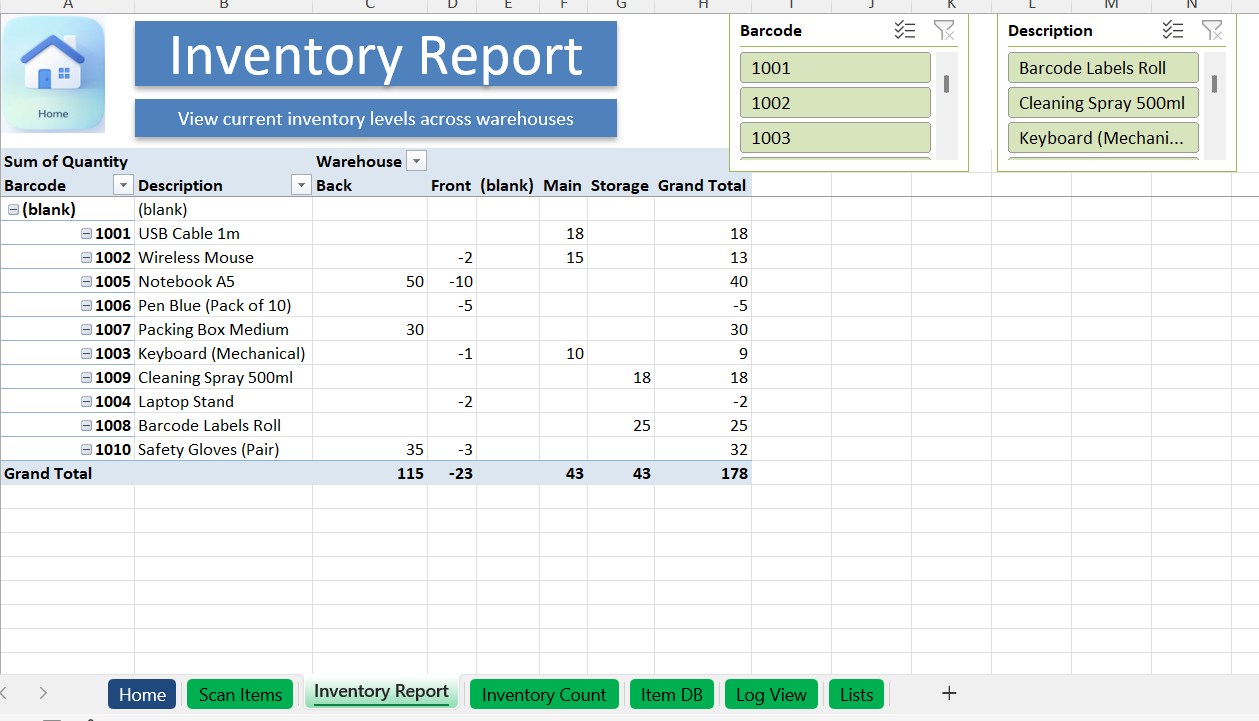
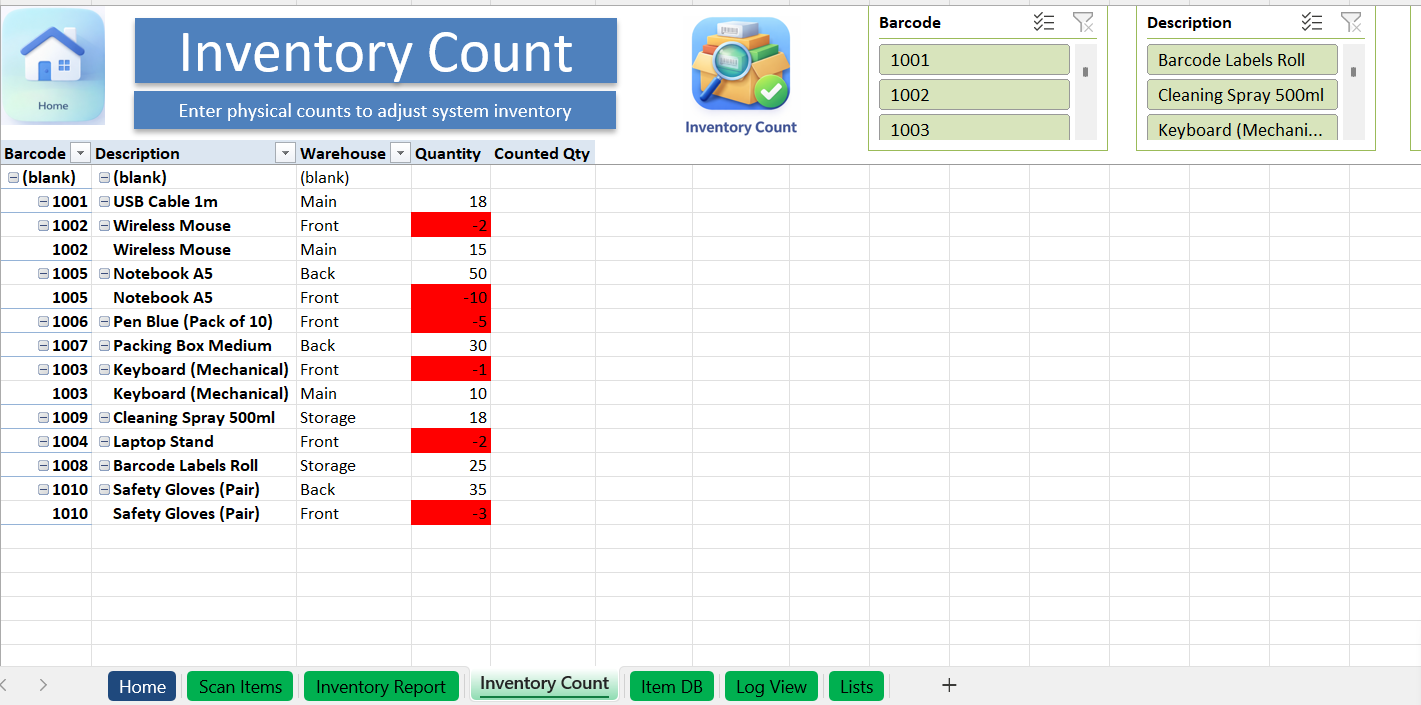
- Track inventory activity over time
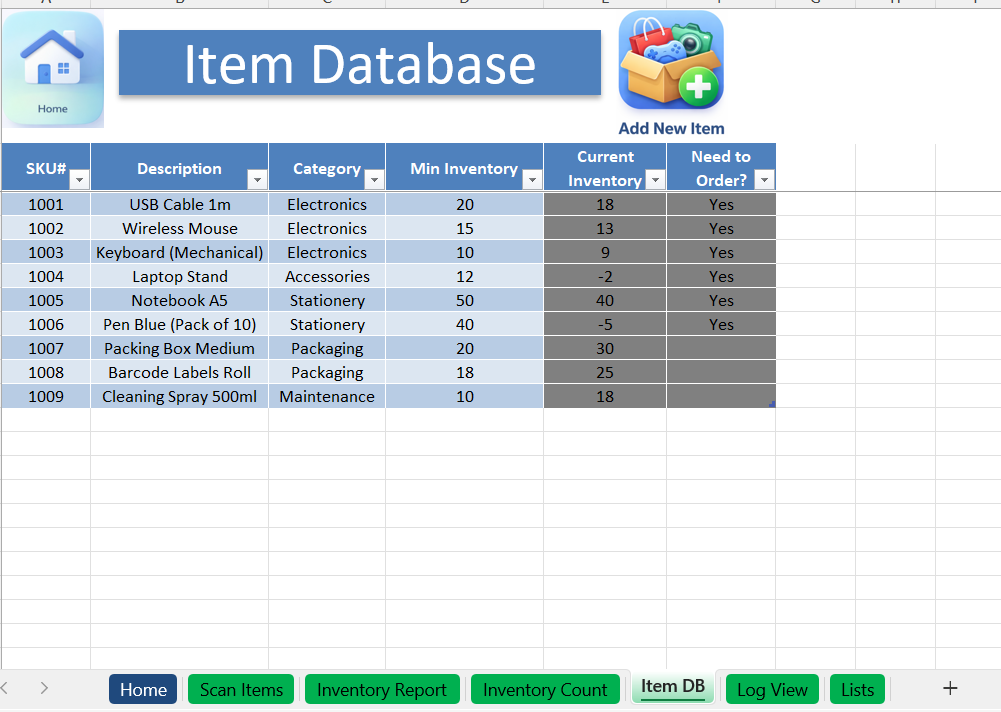
- Identify low stock items instantly
- Keep a clean, structured inventory database
🔄 How It Works
⚡ Auto Mode (Fast Scanning)
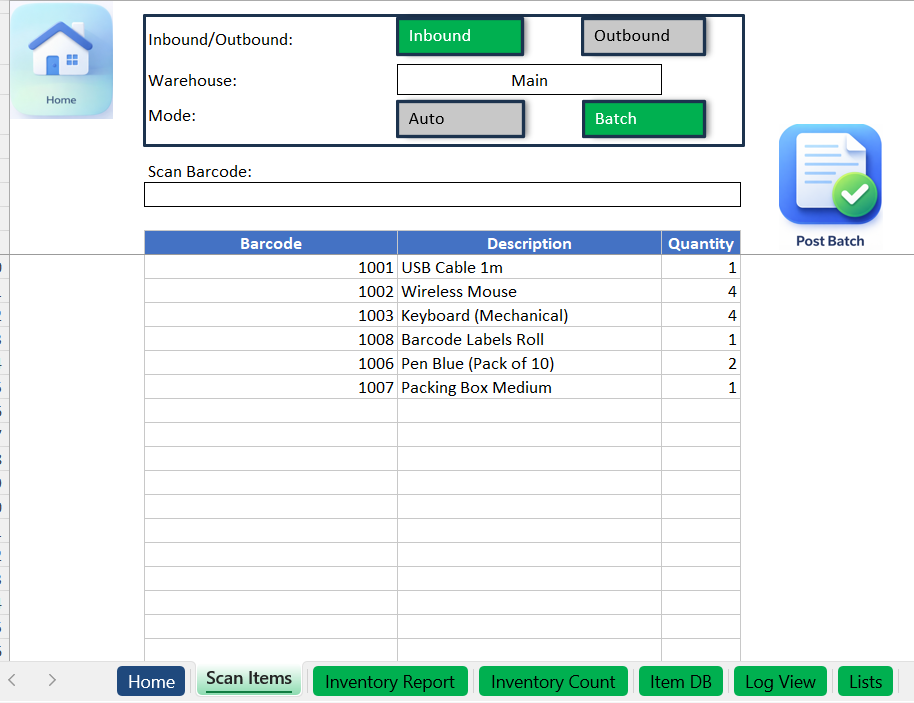
Scan → item logs instantly → ready for next scan
Perfect for real-time operations.
📥 Batch Mode (Controlled Entry)
Scan multiple items → review → submit
Perfect for controlled workflows.
📊 System Structure
- Home Dashboard (KPIs + navigation)
- Scan Screen (main interaction)
- Log (database of all movements)
- Log View (filtered + user-friendly)
- Item Database (master data)
- Setup (controls + settings)
📈 Key Features
- Barcode-based tracking
- Real-time logging
- Clean database structure
- Low stock alerts
- Fast and simple UX
- Works offline
💡 Use Cases
Perfect for:
- Small warehouses
- Retail stores
- eCommerce inventory
- Freelancers selling products
- Anyone tracking stock manually
🔓 Free vs Full Version
👉 Free version:
- Limited number of scans
- Basic functionality
👉 Full version:
- Unlimited scans
- Full system usage
- No restrictions
⚙️ System Requirements
💻 Excel Desktop (Windows recommended – Office 365)
⚠️ Macros must be enabled
⚠️ Important Notes
- Not compatible with Excel Online
- Limited functionality on Mac
- Macros required for full functionality
Reviews
There are no reviews yet.