

Description
If you don’t clearly see your cash flow — you’re guessing.
Most small businesses track invoices in one place, payments in another, and rely on memory for everything else.
That’s how overdue invoices, missed payments, and cash shortages happen.
This Excel Cash Flow Manager gives you a complete financial overview in one place.
You can track everything:
- Who owes you money
- Who you need to pay
- What’s overdue
- What’s coming next
And most importantly — your real cash position.
What This System Does
Instead of scattered tracking, you get a structured system:
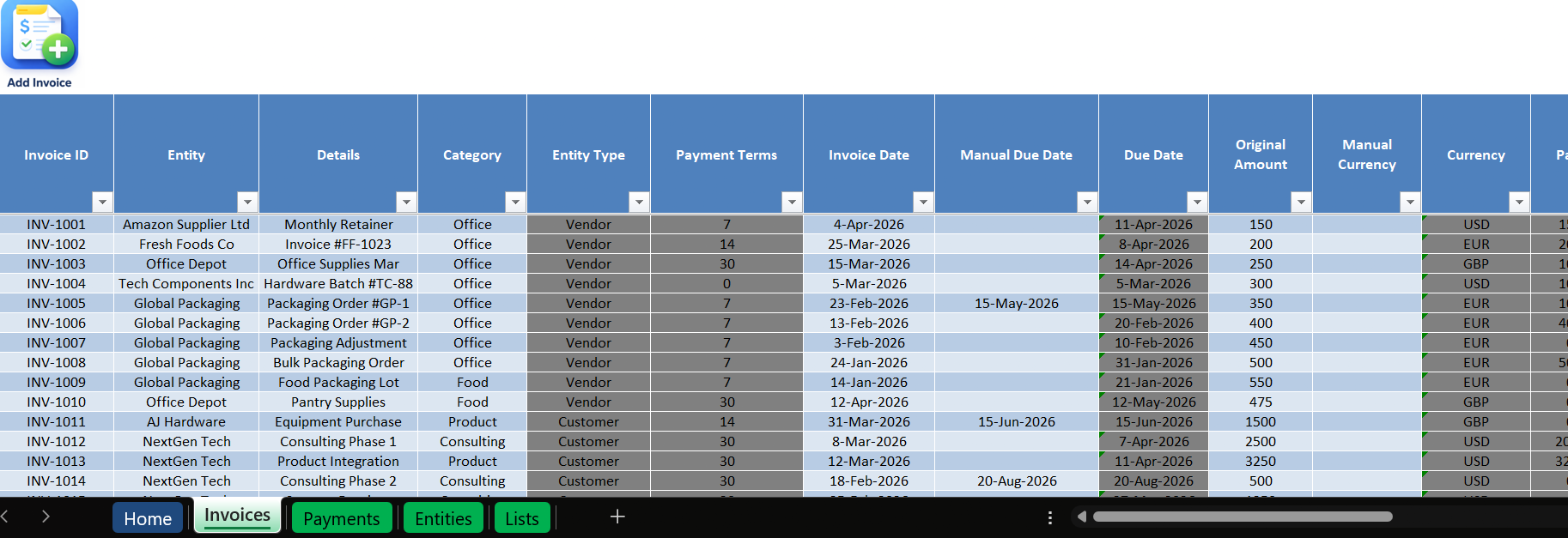
- Track all invoices (customers + vendors)
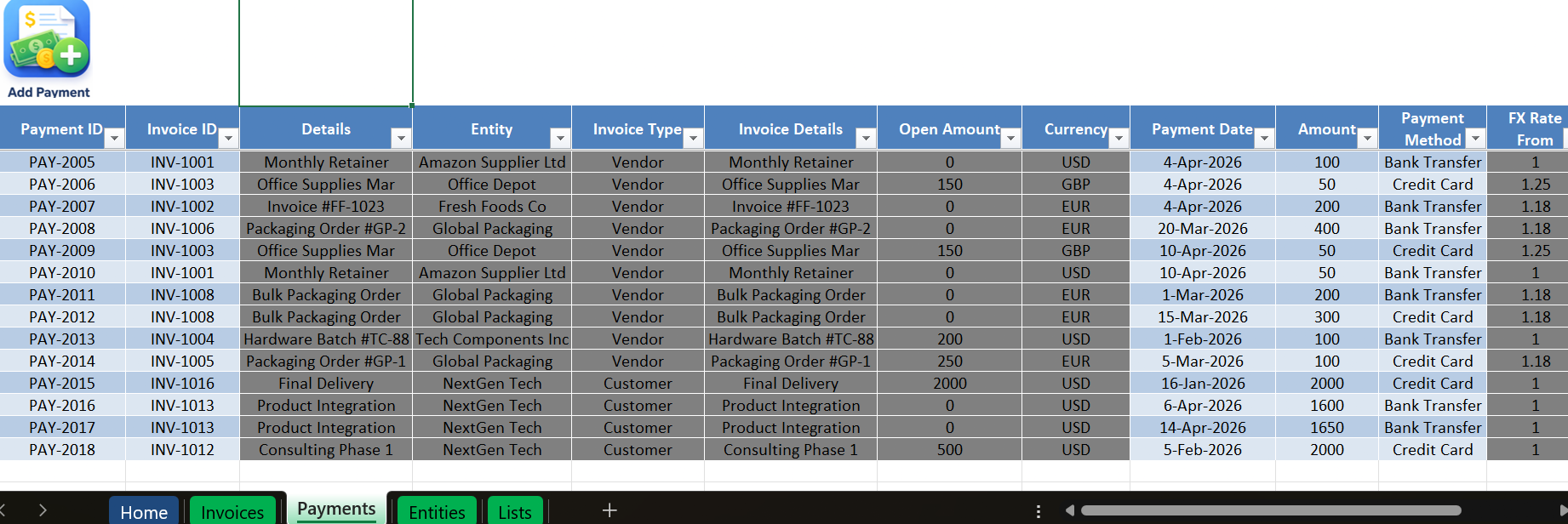
- Record multiple or partial payments
- Automatically calculate balances
- Detect overdue invoices
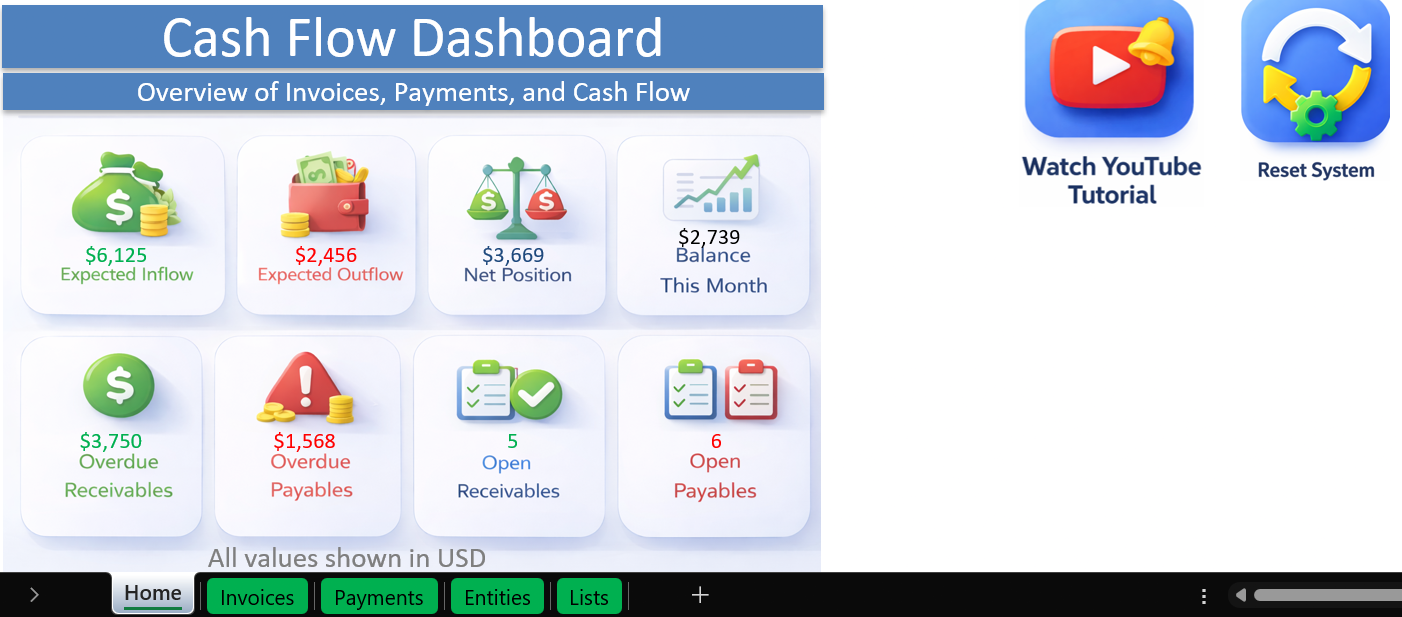
- View everything in a clean dashboard
Dashboard Insights
- Expected inflow (receivables)
- Expected outflow (payables)
- Net position
- Monthly cash flow
- Overdue amounts
- Invoice counts
Plus visual charts:
- Cash flow trend
- Cumulative cash position
- Aging analysis
Key Features
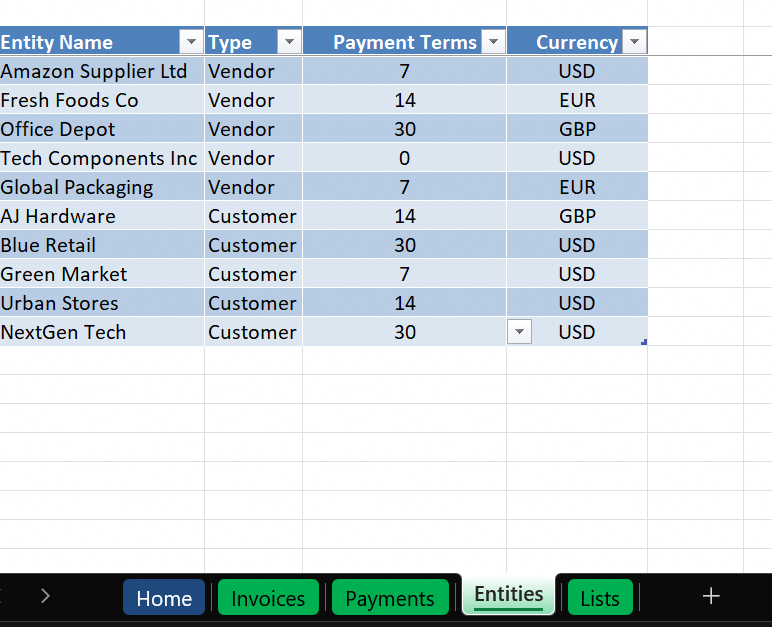
- Combined Accounts Payable & Receivable
- Invoice tracking with due dates and terms
- Partial and multiple payments support
- Automatic balance calculation
- Overdue detection
- Cash flow dashboard
- Aging analysis (0–30 / 30–60 / 60+)
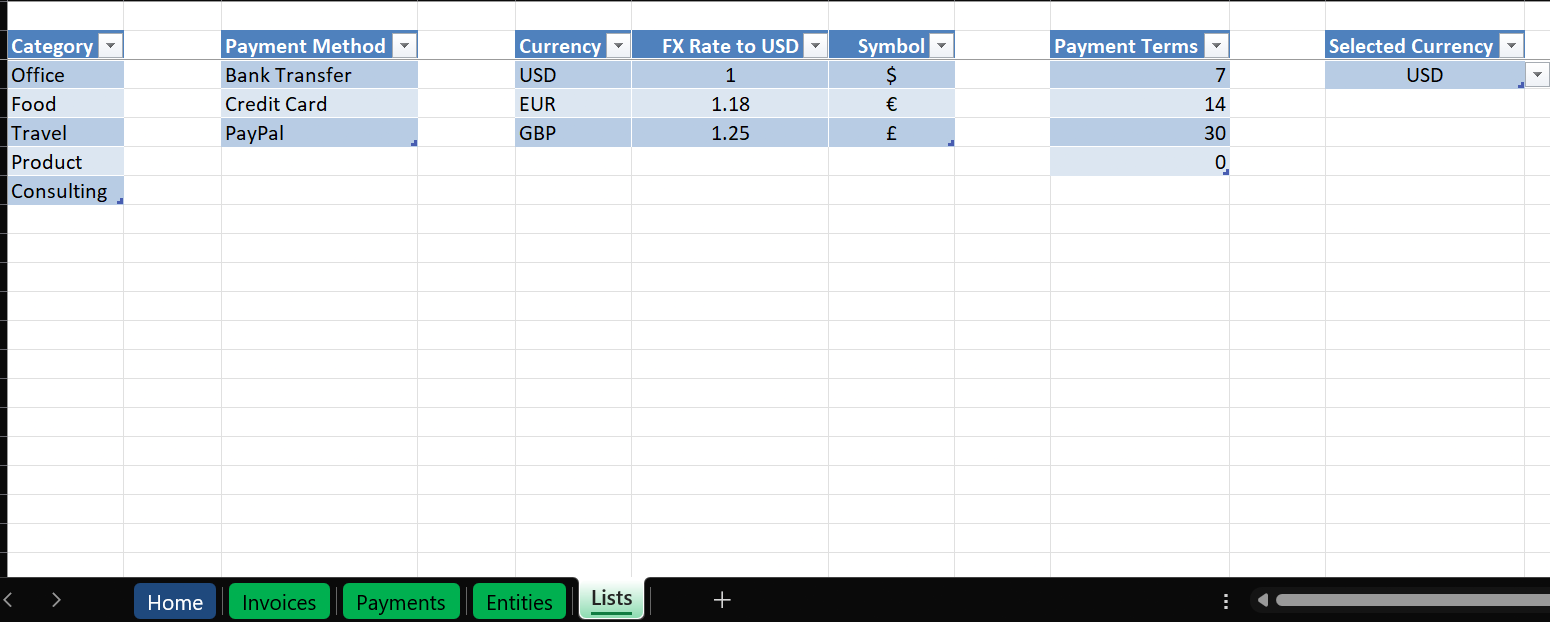
- Multi-currency support (paid version)
Use Cases
- Freelancers managing clients and expenses
- Small businesses tracking invoices manually
- Consultants managing cash flow visibility
- Anyone not using accounting software
System Requirements
To use this Excel system, make sure you have:
- Windows PC (not Mac)
- Microsoft Excel (Office 365 or Excel 2019+ recommended)
- Macros enabled (required for full functionality)
Important notes:
- This file uses VBA automation for a better user experience
- Some features will not work if macros are disabled
- Not compatible with Excel Online or Google Sheets
Reviews
There are no reviews yet.